
Details page
Once you’ve uploaded your property, you’ll be able to view its full details page. Some content on the details page is controlled by what you upload, and we will add the rest.
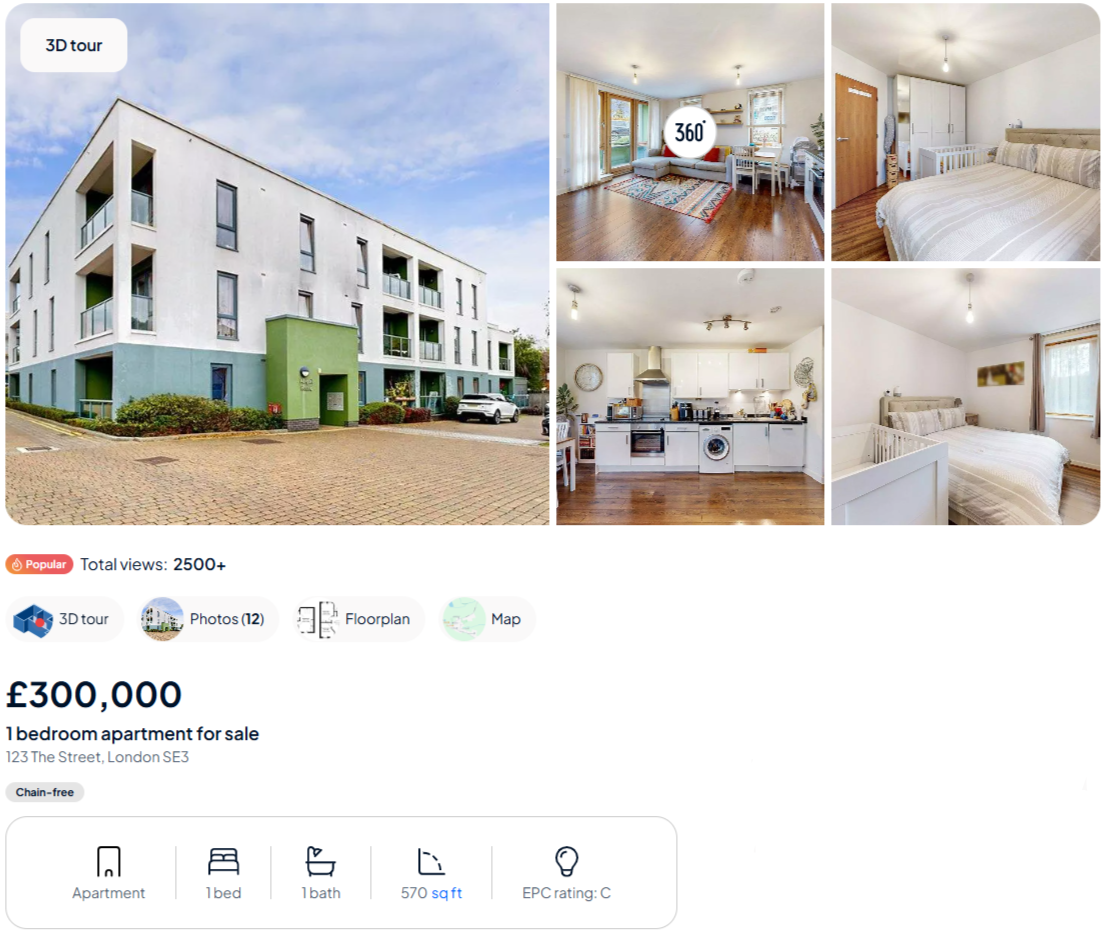
Image, floor plans and video tours
All media (images, floor plans, EPCs and video tours) uploaded to your listing will be displayed in a gallery at the top of the listing.
Price, type and address
The price will display next along with a price qualifier such as 'From' or 'Offers over', if selected. For rental listings in England and Wales, the Tenancy info field will also display here containing your fee schedule and any other relevant information. The number of bedrooms will also be shown with the property type. If you are listing land but have indicated it has, for instance, 4 bedrooms we will display this as 4 bedroom property with land.
The address shown here is the display address determined by your feed. In some cases, we may replace your display address with a calculated address to ensure the appropriate data is shown here.



Labels and icons
Below the address we display a selection of icons and labels, such as the Greener choice and Pet friendly icons or the Chain-free, EV charger, and Help to Buy labels. If you have our Premium display product you can also choose a label to highlight a key selling point of your property.
Read more about our property icons and property labels here. If you’d like to enquire about Premium display, please contact the team at products@onthemarket.com.
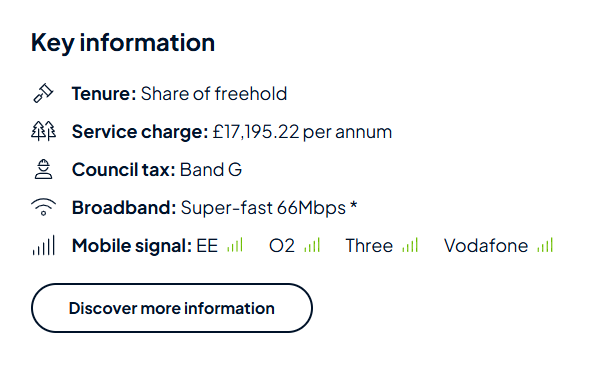
Key information
On all UK residential listings, we include a section on ‘Key information’. This includes the council tax band, broadband speeds and mobile signal, as well as utility information within the “Discover more” section. On UK residential sales listings, we will also include data on the tenure of the property, flood risk or defences, and whether there are any rights or obligations affecting the property.
The tenure/ground rent and service charge would be supplied by you, we’ll supply the council tax band, broadband speeds and mobile signal information. The EPC data we obtain from the EPC Registers of England and Wales, and Scotland to display, if you upload a certificate with a more recent date, we will use that in place of our data. If no internal floor area measurement is supplied, we’ll use the data available in the EPC Registers to display on the listing.
For further information on key information, click here.
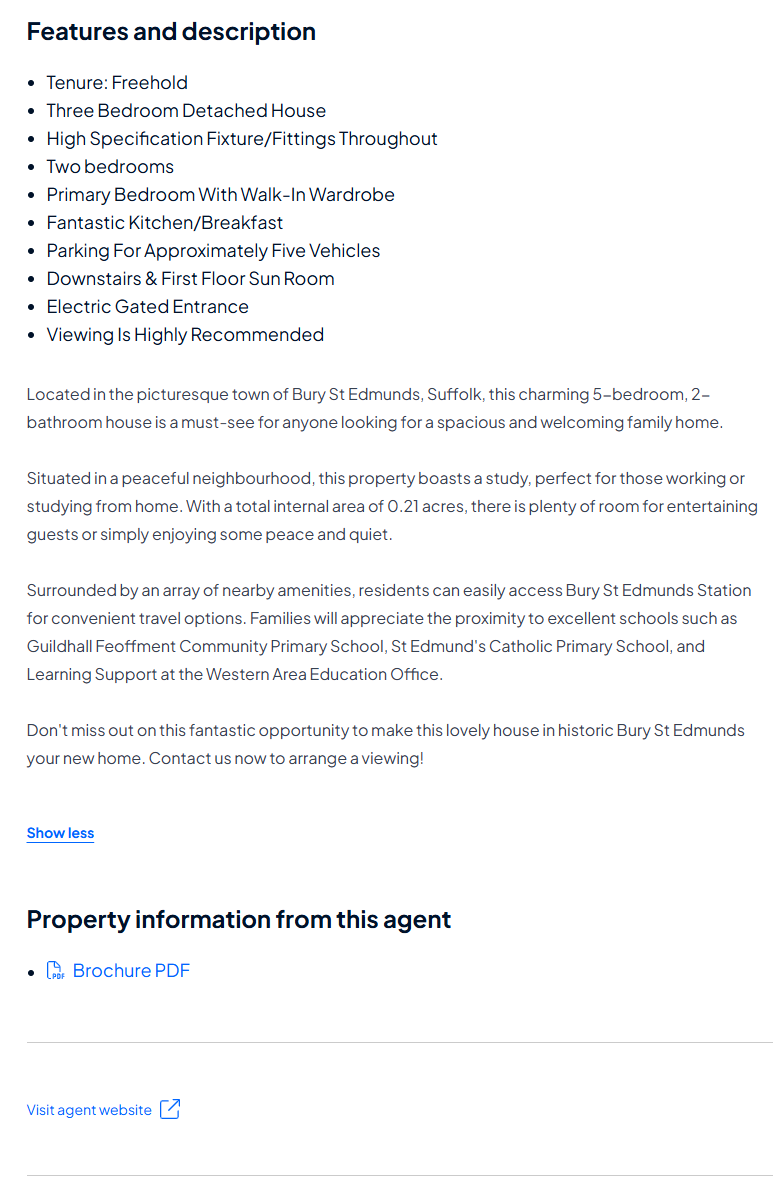
Property description and features
If you have added features or attributes to your listing, they will appear as bullet points above the description. We will also add the tenure to the list.
Below, the description will display as entered by you as well as any supporting documents you have uploaded.
Underneath the description will be a link to visit your website. This is only available to Member and Pro agents.
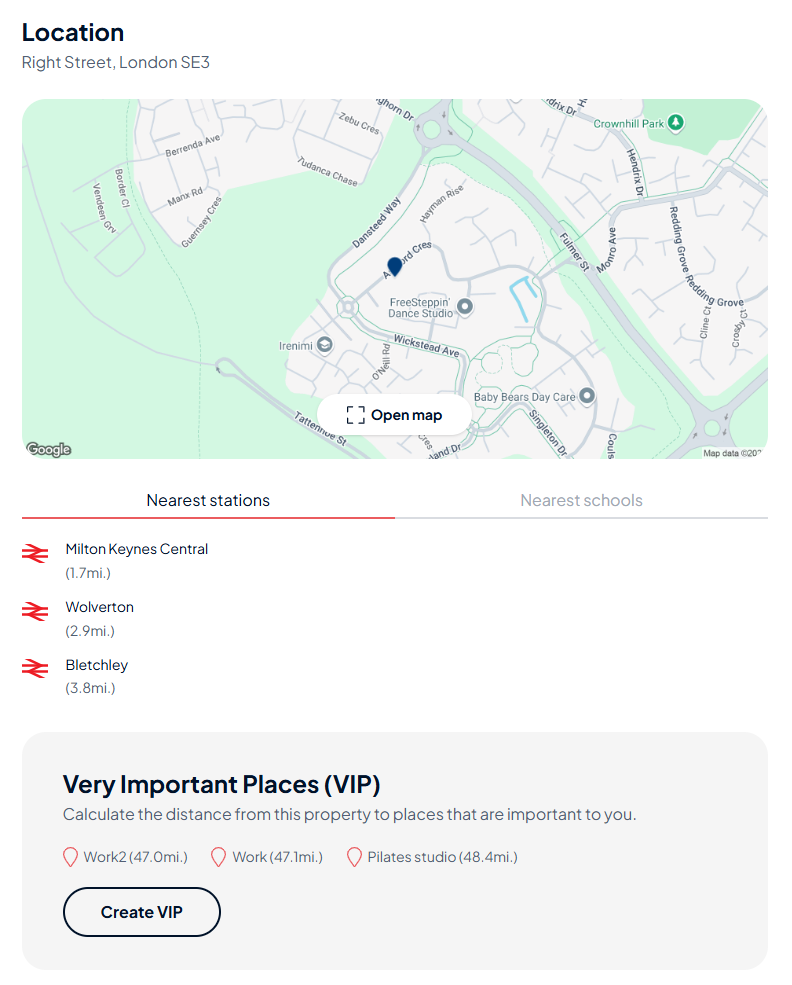
Places of interest
Here a map of the local area will display with a pin showing the location of the property. Underneath the map will show the nearest stations, schools and Very Important Places. The latter can be set by logged in users within MyPlace, displaying the distance from the property to the locations set by the user, for example, work or a family members home.
Selecting Open map, you can view satellite and street view (if applicable), and further places of interest in the local area like GP surgeries, and supermarkets. The map can also be accessed from the image gallery.
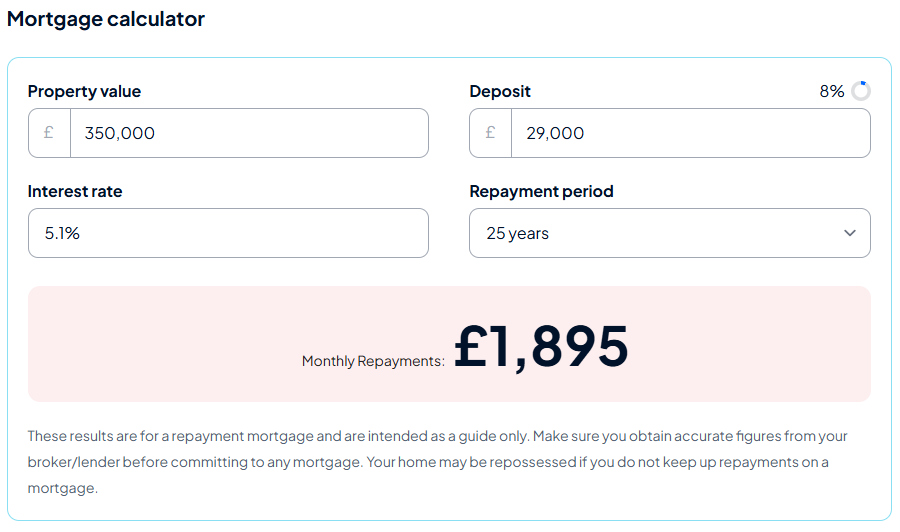
Mortgage calculator (residential sales only)
A simple calculator for property seekers to use as a guide. The property value will automatically populate, along with a 10% deposit, default repayment period of 25 years, and interest rate of 5.1%. All fields can be changed. It is intended as a guide only and it is recommended to obtain accurate figures from a broker or lender before committing to a mortgage.
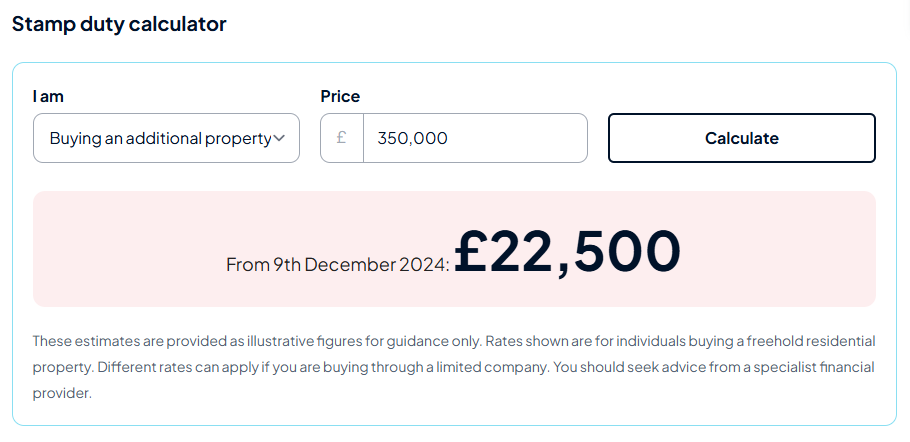
Stamp duty calculator (residential sales only)
A stamp duty calculator which pre-fills the property price and the option to select buyer type; first time buyer, moving home or buying an additional property. The estimate provided is an illustrative figure for guidance only, with a rate shown for individuals buying freehold. Different rates can apply if purchasing through a limited company. Advice should be sought from a financial provider.

Your branch details
Your logo, branch name and address along with a short description of your brand will appear on every listing. With links to request information, view your branch profile and other properties.
Similar Properties and Sold Nearby
If you are on a Member or Pro package the Similar Properties and Sold Nearby carousels will display properties only from your brand, this may include properties from another branch.
If you are an Advertiser, we will display properties from other Member and Pro agents in the area.
We also have the Sold Nearby product that can be purchased separately, this displays in the list view of search results. Click here to learn more.
Disclaimer
At the bottom of your listing will be a drop down to ‘Show disclaimer and call rate information’. Within this we will include the property reference ID, disclaimer information for supplementary data we have supplied on the listing, and call rate information
For questions or help with updating your property details page, please contact on 0808 1202 877 (option 2 for Technical Support) or email support@onthemarket.com.
Back to home
Related articles
Agent profiles
How do I update my contact details?
How do I add affiliations?
How do I change my map location?
Why is my phone number different on the website?
OnTheMarket Expert user guides
Need to get in touch?
You can also give us feedback